How I Improved My Nintendo Switch In One Day
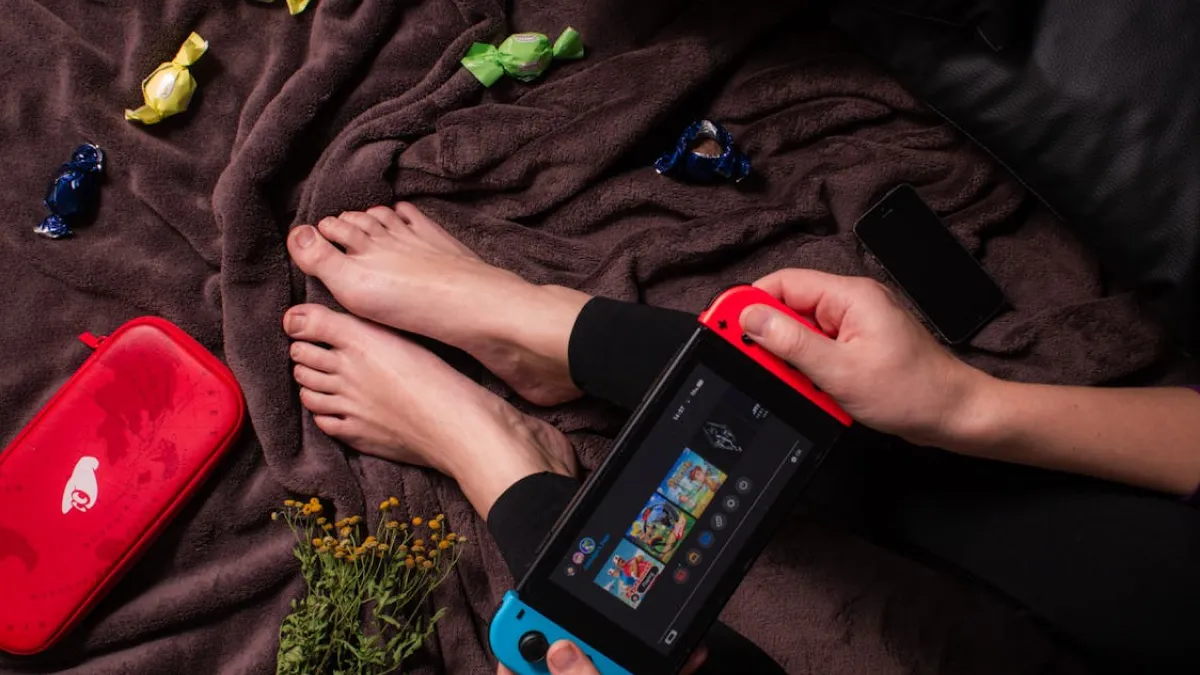
Understandably, my good ol’ Nintendo Switch was beginning to seem a bit… tired. The joycons suffered from that dreaded drift (the kind where it moves by itself as if possessed), and my Switch Lite had been feeling neglected while my Nintendo Switch OLED was hogging the spotlight.
It was time for a mini upgrade—nothing crazy, just something to breathe new life into my Nintendo Switch. Fast forward to today, and here’s how I made my Switch better in one day, as easily as possible with the most reward.
1. The Great Joycon Drift Fix
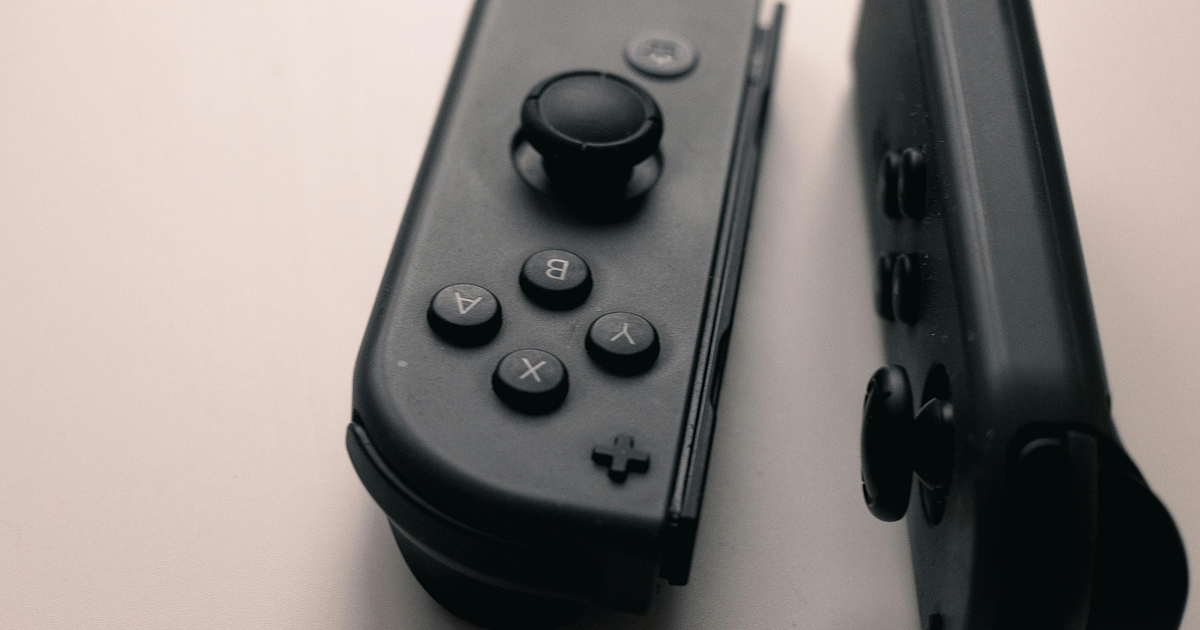
Not sure who needs to hear this, but you are not the only one with a Joycon drift. It was wearing a bit thin trying to play Mario Kart 8 Deluxe, hitting grass because my character would not turn. Instead of paying full price for some brand-new Joycons, I opted to tackle the drift myself.
And yes, you read that right—not calling customer support, but becoming the customer support. A handful of YouTube tutorials and a screwdriver later, I cleaned out the joystick. Not magic, but still, it worked!
This makes my Switch OLED actually behave like it should—it’s not doing random movements anymore. You could always send it to Nintendo for repairs (and maybe save a buck—or not!), if not feeling adventurous with repairs.
2. Upgrading to Nintendo Switch OLED and Loving It
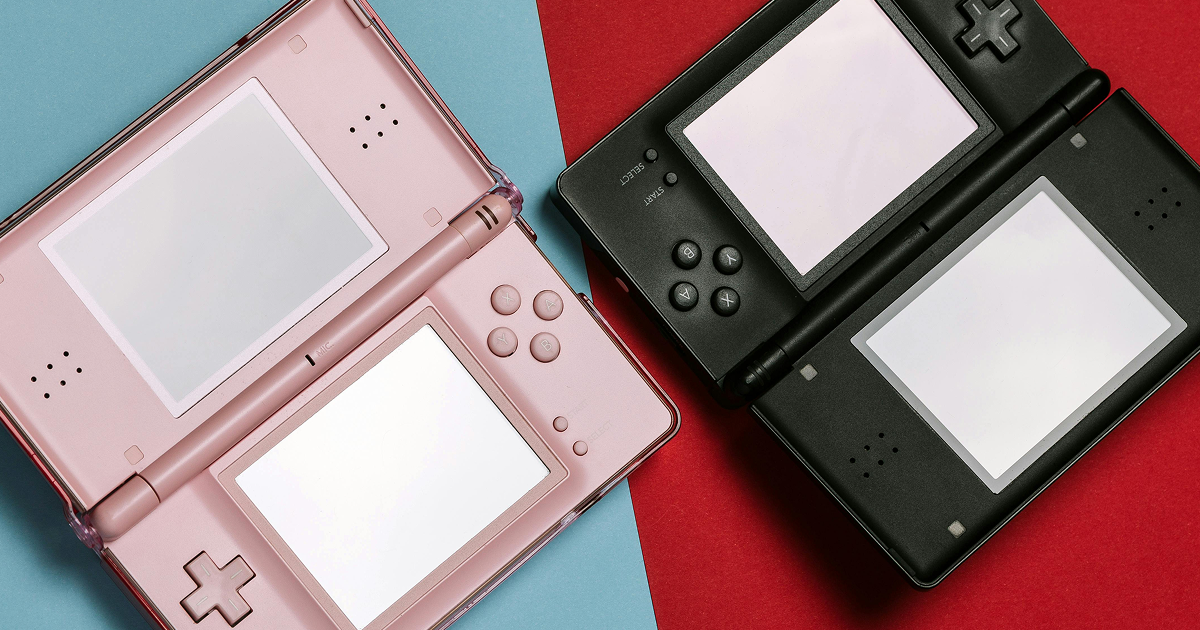
Not that my Switch Lite was doing me any disservice or anything. A very small, convenient, and sufficient option for a single-player experience. However, once I’d laid eyes on the stunning, vivid display of the Nintendo Switch OLED, I was tempted to upgrade. That OLED display really elevates your gaming experience.
Hey: Zelda: Breath of the Wild looks great when you’re walking around all that scenery; Splatoon 3 is a turn-up, but it’s so much nicer to look at. It is like the contrast between watching a flick on your phone or seeing it on an enormous HD television.
For the love of God, if you were even mildly considering switching to OLED: do it. You will not look back, and you cannot blame me either for that if your old screen is doomed now. 😊
3. Tidy Up and Organise Your Nintendo Switch Games
Now, on to those Nintendo Switch games! If you will, my library was starting to resemble a digital junk drawer—Super Mario Odyssey beside Minecraft and jumbled with a rogue track pack for Mario Kart.
Not at all the defined state of collation to elicit a warm, fuzzy feeling.Thus began an hour (yes, a whole hour—shut up and do the maths) of tidying my game library. I cleared out the ones I hadn’t touched in years. Clearing out stuff gives you that productivity sense; it feels like magic of some sort.
I also snagged a couple of free games (thanks, Fortnite and Apex Legends for having my back) to breathe some life into the library. Believe me, it is much easier to get your game on when you can track down what you seek.
4. Better Charging Habits for a Full Day of Gaming
You never really appreciate the battery life of your Nintendo Switch until it dies on you halfway through a boss fight. I took care to charge up my Switch OLED properly before getting into my gaming marathon. That is, no playing while charging (which honestly, we know drains the battery faster anyway).
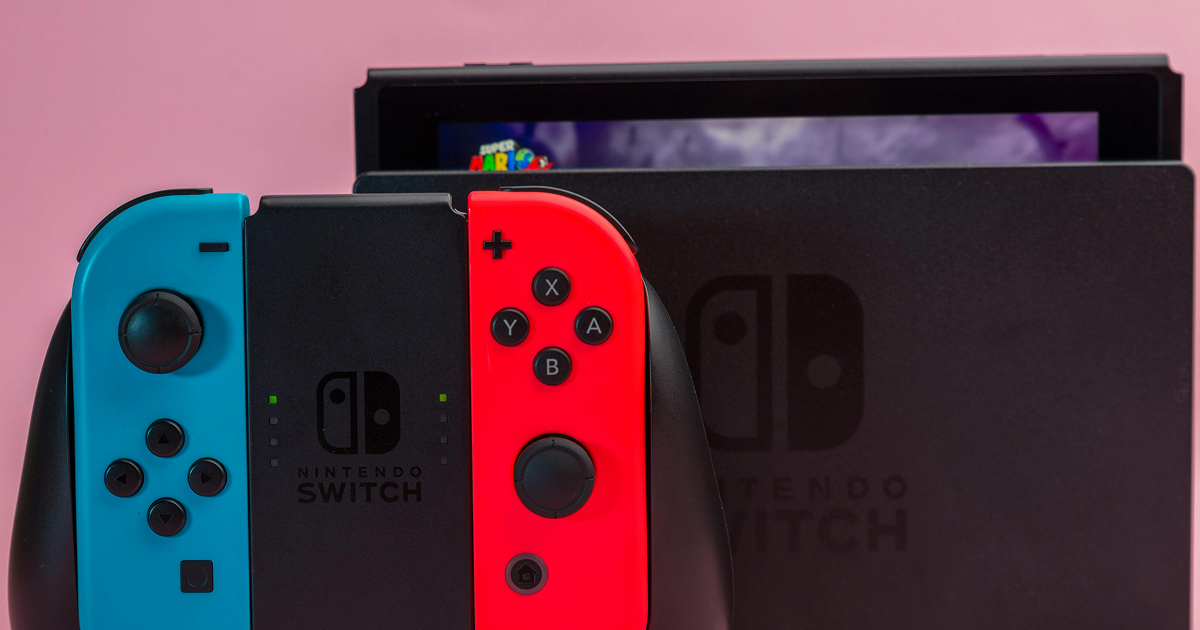
Oh, and I paid for a Nintendo Switch Pro charger stand to ensure I could place the device at an exact angle while charging—so no more balancing the Switch on the couch like a circus act. For serious gamers, invest in a proper charging dock. And believe me, you want to avoid those “low battery” panic moments.
5. Personalizing My Nintendo Switch Like a Pro
Well now, this is where we get fun. The final few hours of my day were spent customizing the hell out of my Nintendo Switch OLED. I mean custom wallpapers, profile images and yes even changing my Switch Lite theme (yes you can do that also!)
It is the small details that help it to feel more familiar, and less like an off-the-shelf bit of kit. As for you folks who think customizing your Switch is a waste of time, no way. One of the things about at-home lives now is that everyone who delivers something digitally has learned to make it feel like your screen; when you’re always looking at the same screen, it’s nice for variety.
The kind of stuff that feels like when you finally decorate your room and it felt like a Pinterest dream.
6. Treating My Switch Like a Star: Regular Maintenance
Finally, I gave some love to my Nintendo Switch OLED. I cleaned it. The points in question were: Yes — I wiped the screen, the Joycons and the dock with a microfiber cloth. Funny how much nicer the console looks when you actually treat it as a beloved piece of tech not something your dog chews on.
Note: I also did a system update (because who has time to do that often?) and also made a backup copy of my saves, if I ever wanted to play again — but from scratch
The Takeaway
One day was all it took to enhance my Nintendo Switch—not rocket science, but sprucing things up and giving the console some love. And now my Switch Lite and Switch OLED are working perfectly, so I’m ready to play whatever Nintendo Switch game you throw at me next without fear of release day technical difficulty.
Not to mention, I was finally free from that damned Joycon drift! So if you’ve been feeling like your Switch could use some love, believe me when I say that these minor tweaks can do a lot.
Who would’ve thought that a little tender loving care would mean so much? If you haven’t done this yet, you’ll thank me later. And now I can finally say that I’m a Nintendo Switch Pro myself…however the only reason for that is just to have my Switch in order.
FAQ
-
Joycon drift occurs when your controller’s joystick moves inputs on its own. To fix it, you can clean the joystick following online tutorials or send the Joycons to Nintendo for repair. If you’re adventurous, grab a screwdriver and clean the inside of the joystick manually.